Learn how to book a dance class or private lesson on Danceable, reserve your preferred time, and manage your bookings from one convenient dashboard.
Follow these seven simple steps to book your next dance experience.
Watch the video tutorial
1. Sign in to Danceable
Sign in to your Danceable account. Once you are inside your account, select Classes from the navigation menu.
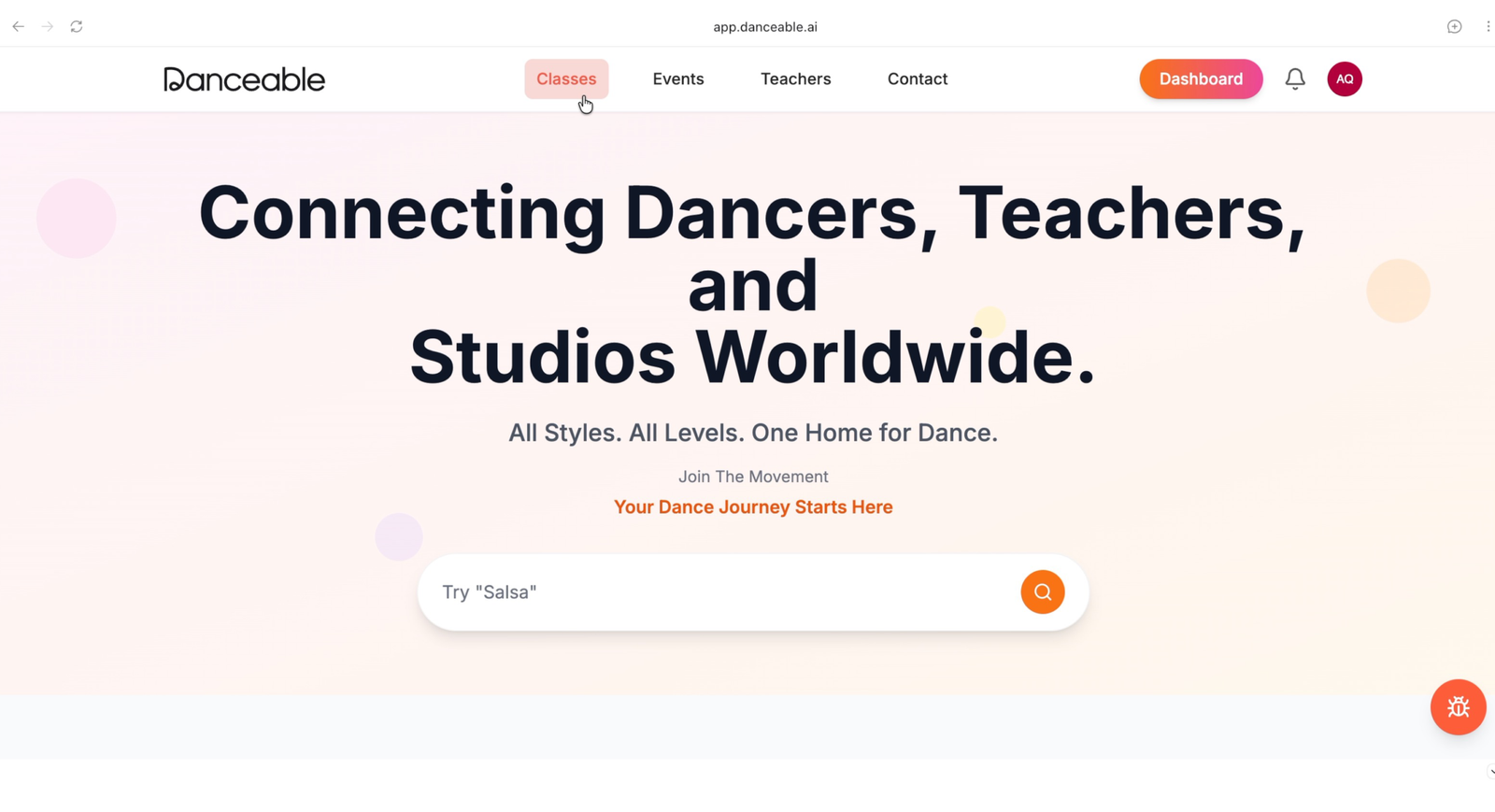
2. Find a class or private lesson
Browse the available options and choose the date when you would like to dance. Review the class type, instructor, location, time, and other booking details before making your selection.
For this example, we are booking an Argentine Tango private lesson in San Jose on Saturday at 12:00 PM.
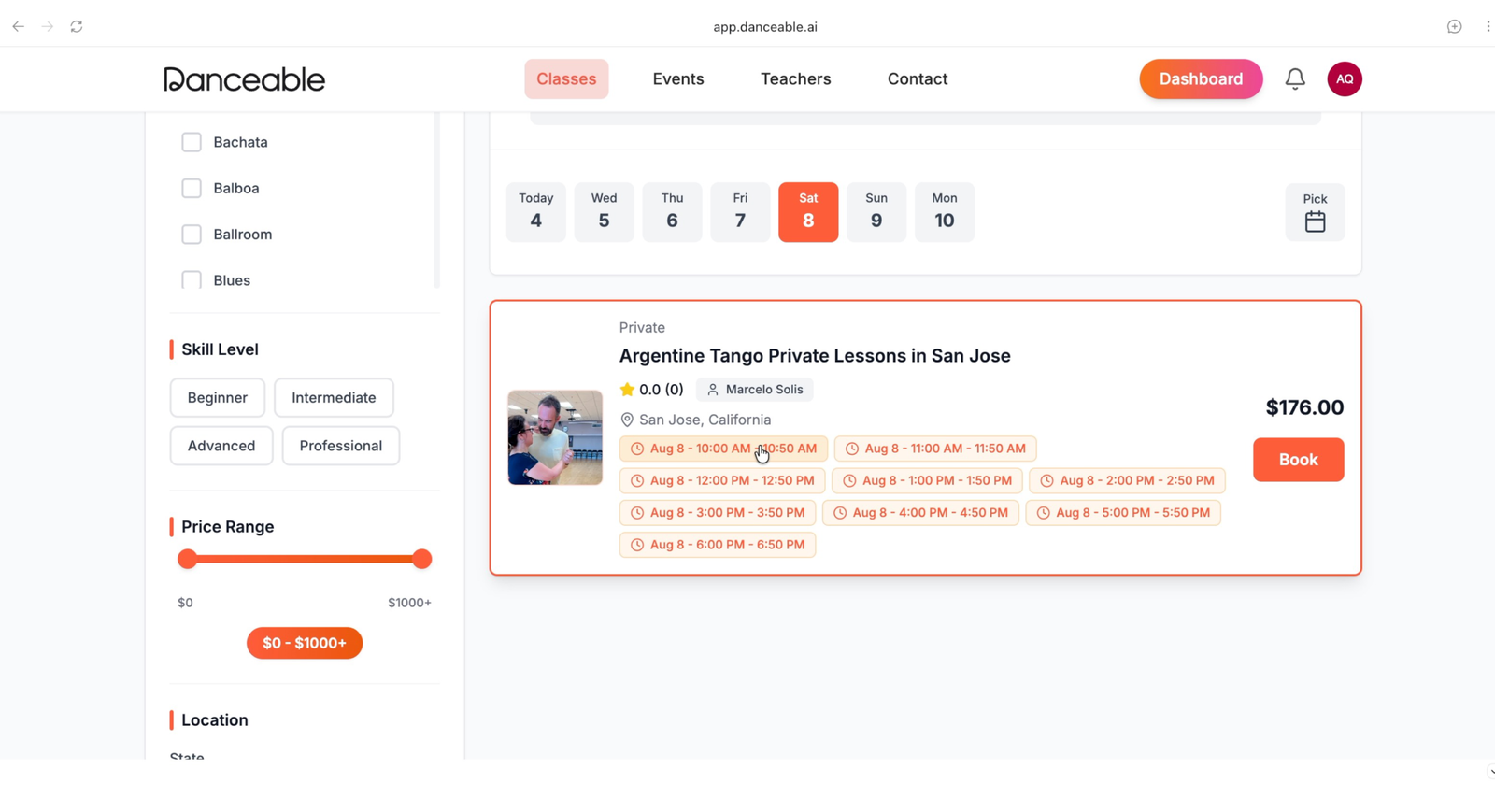
3. Review your booking
After selecting a lesson, review the date, time, location, price, and other details to make sure everything is correct.
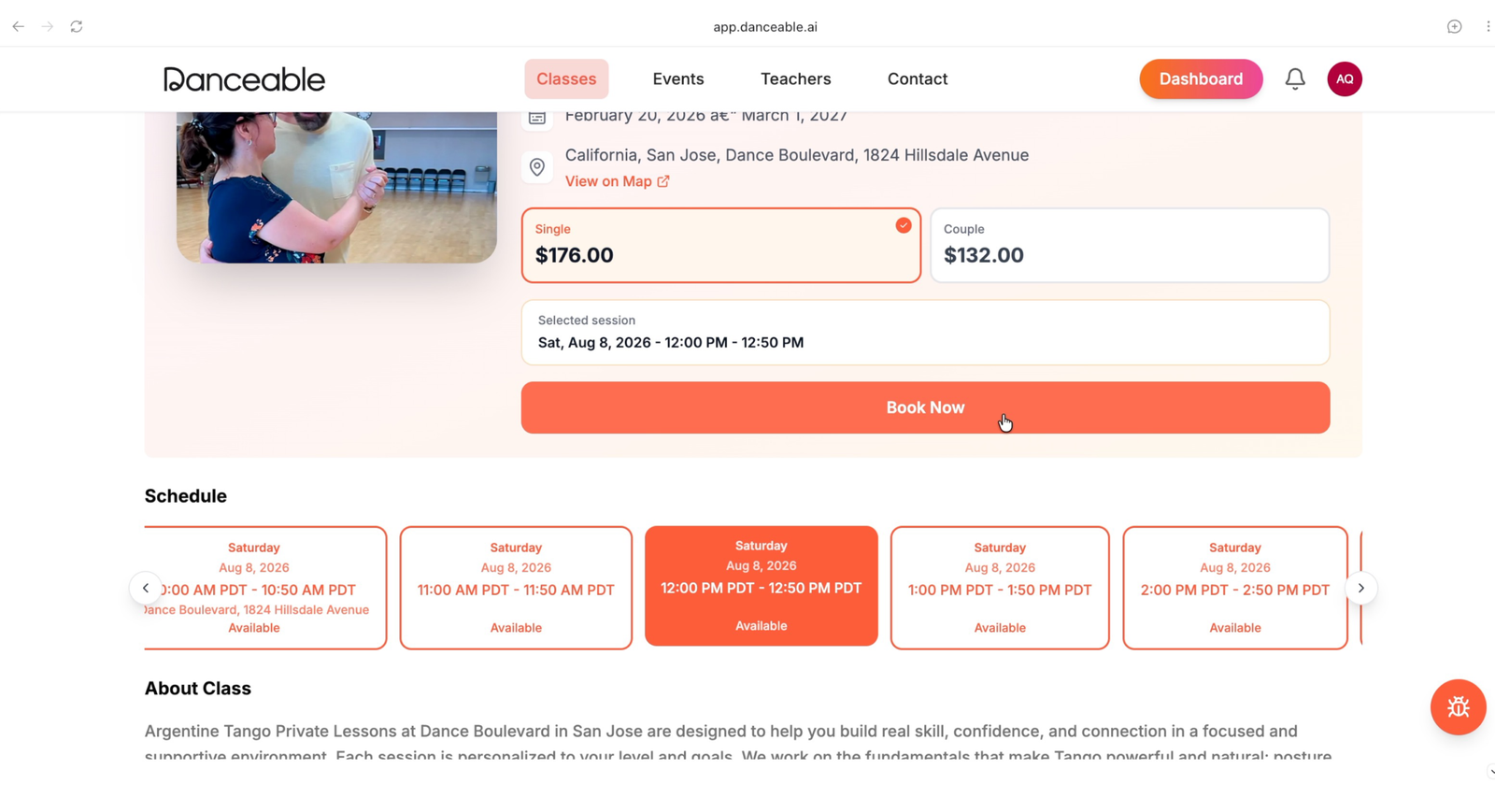
4. Choose a payment method
Danceable gives you two convenient payment options:
- Pay securely by credit card through Stripe.
- Reserve the lesson and pay with cash at the location.
Choose the payment method that works best for you.
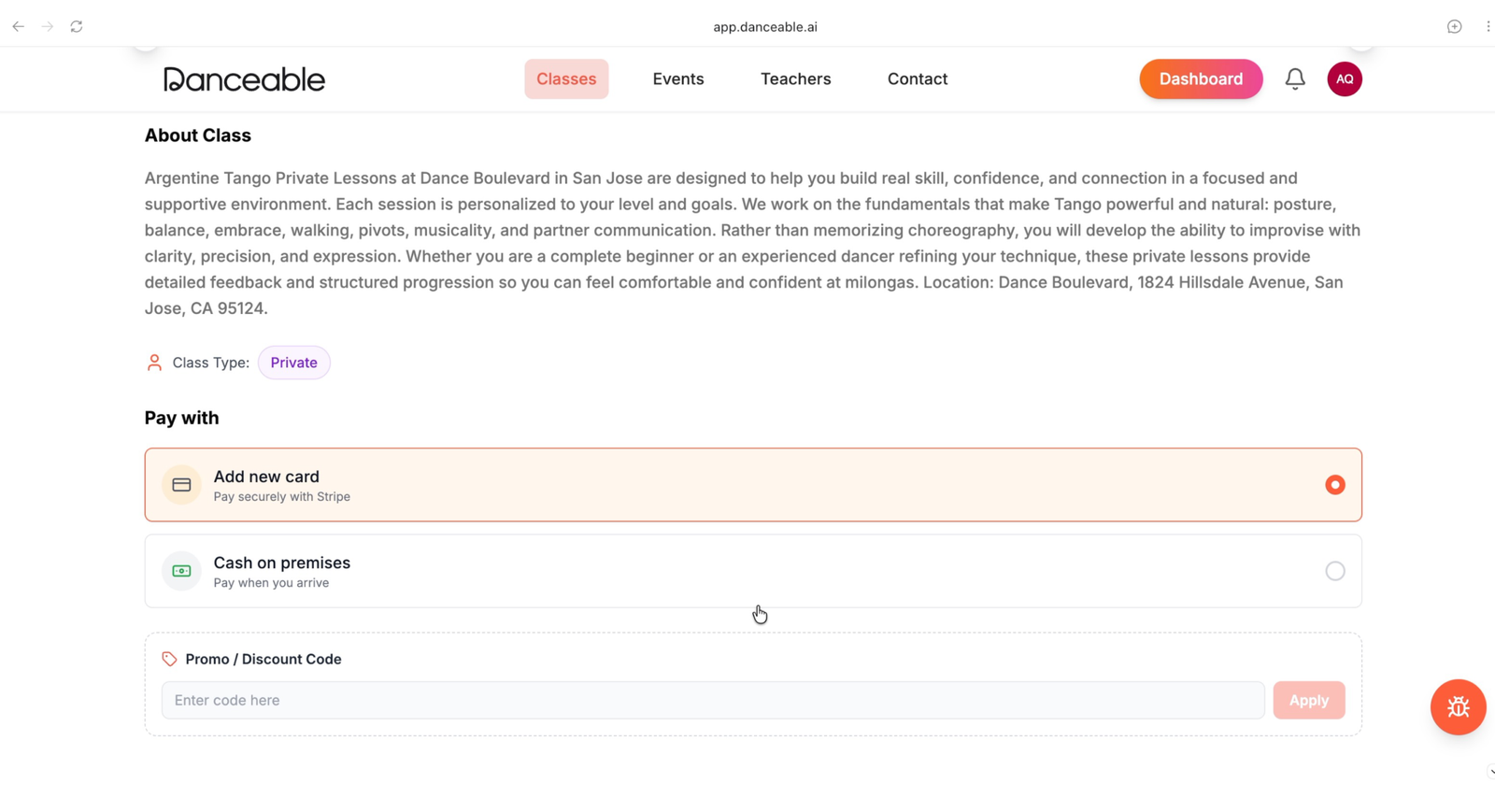
5. Apply a promotional code
If you have a promotional code, enter it in the appropriate field before completing the reservation. Make sure the discount has been applied to the total before continuing.
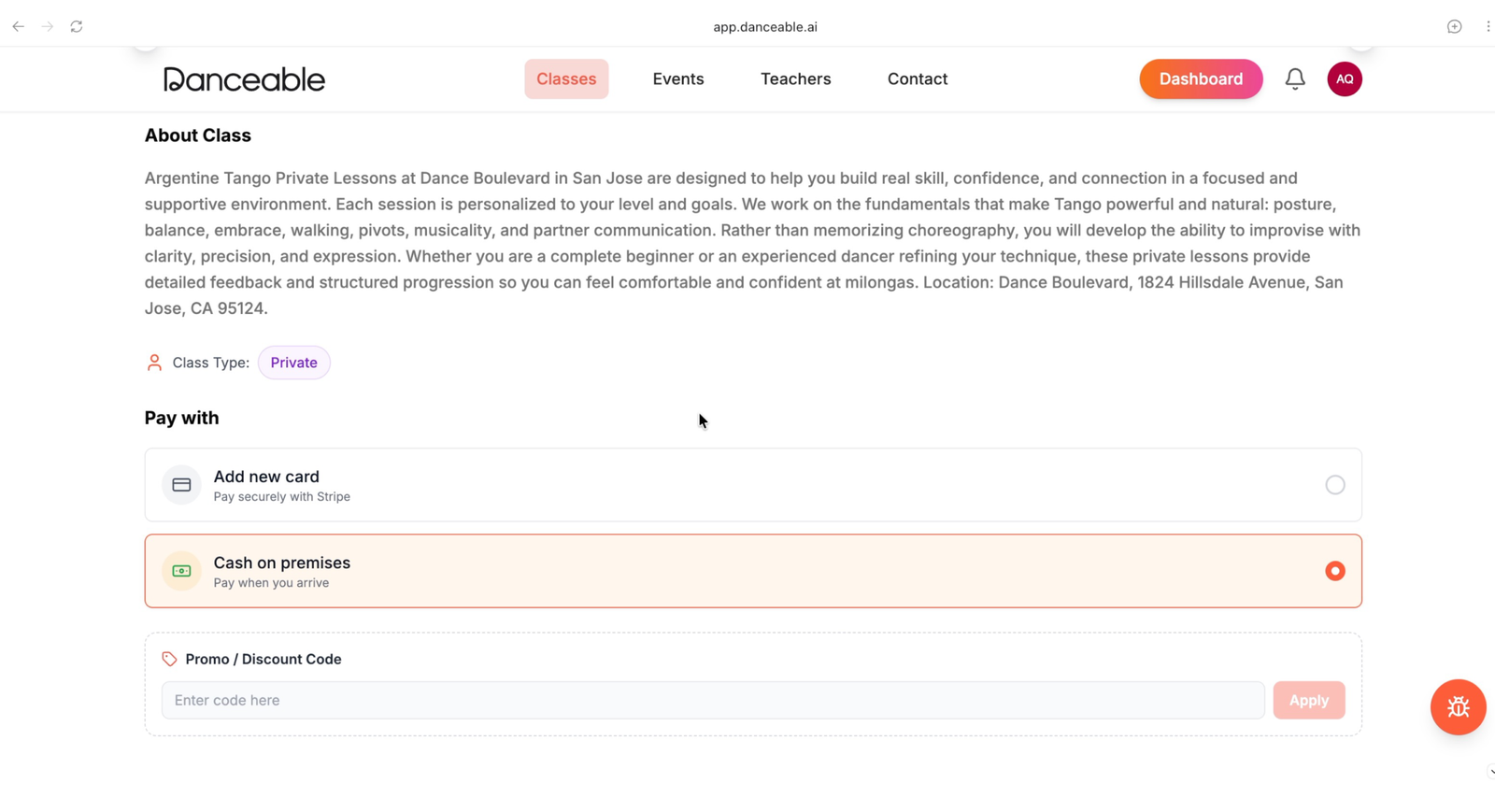
6. Confirm your reservation
Check your booking details one final time, then confirm the reservation. Danceable will display a confirmation message when the booking is complete.
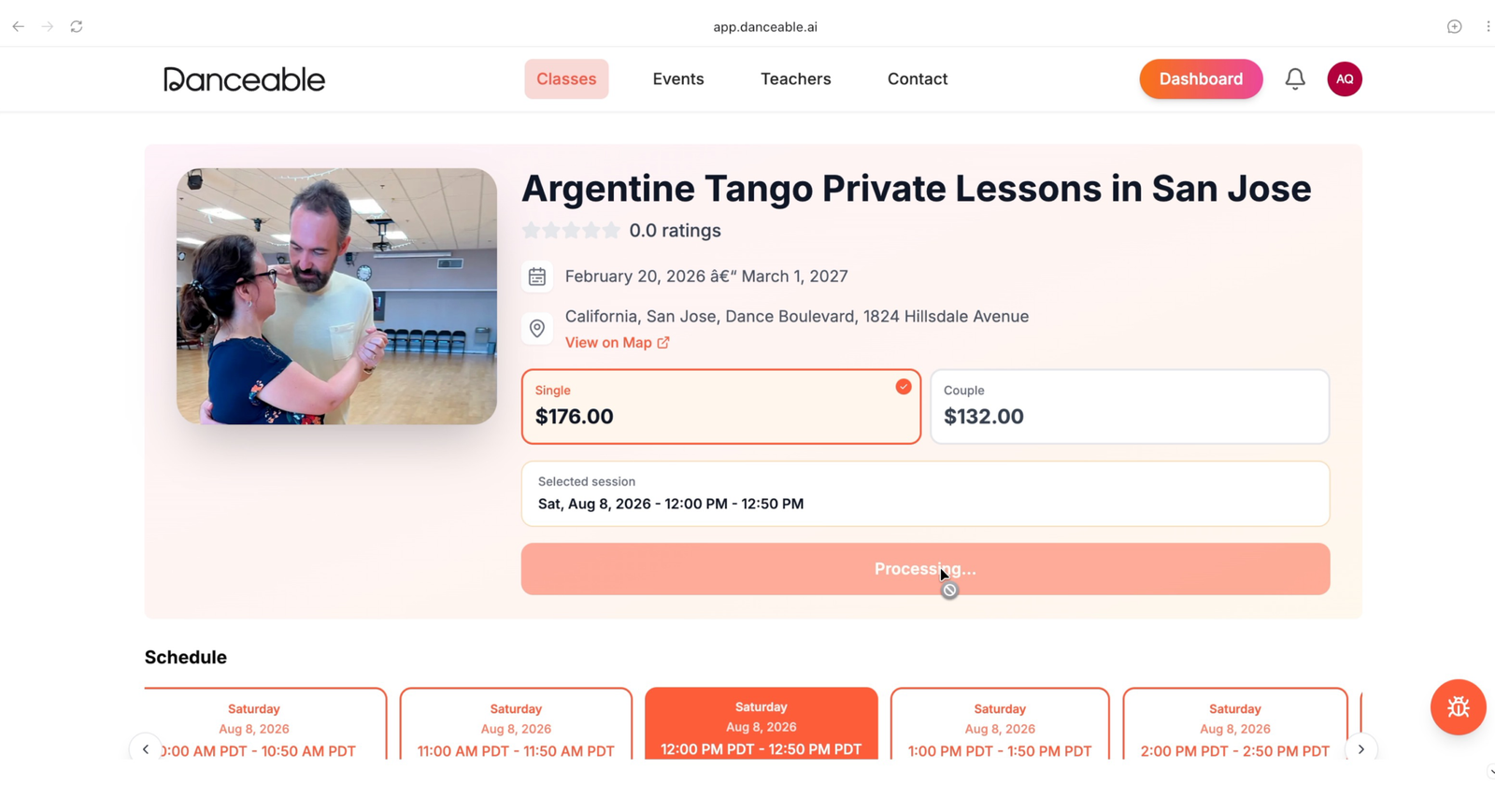
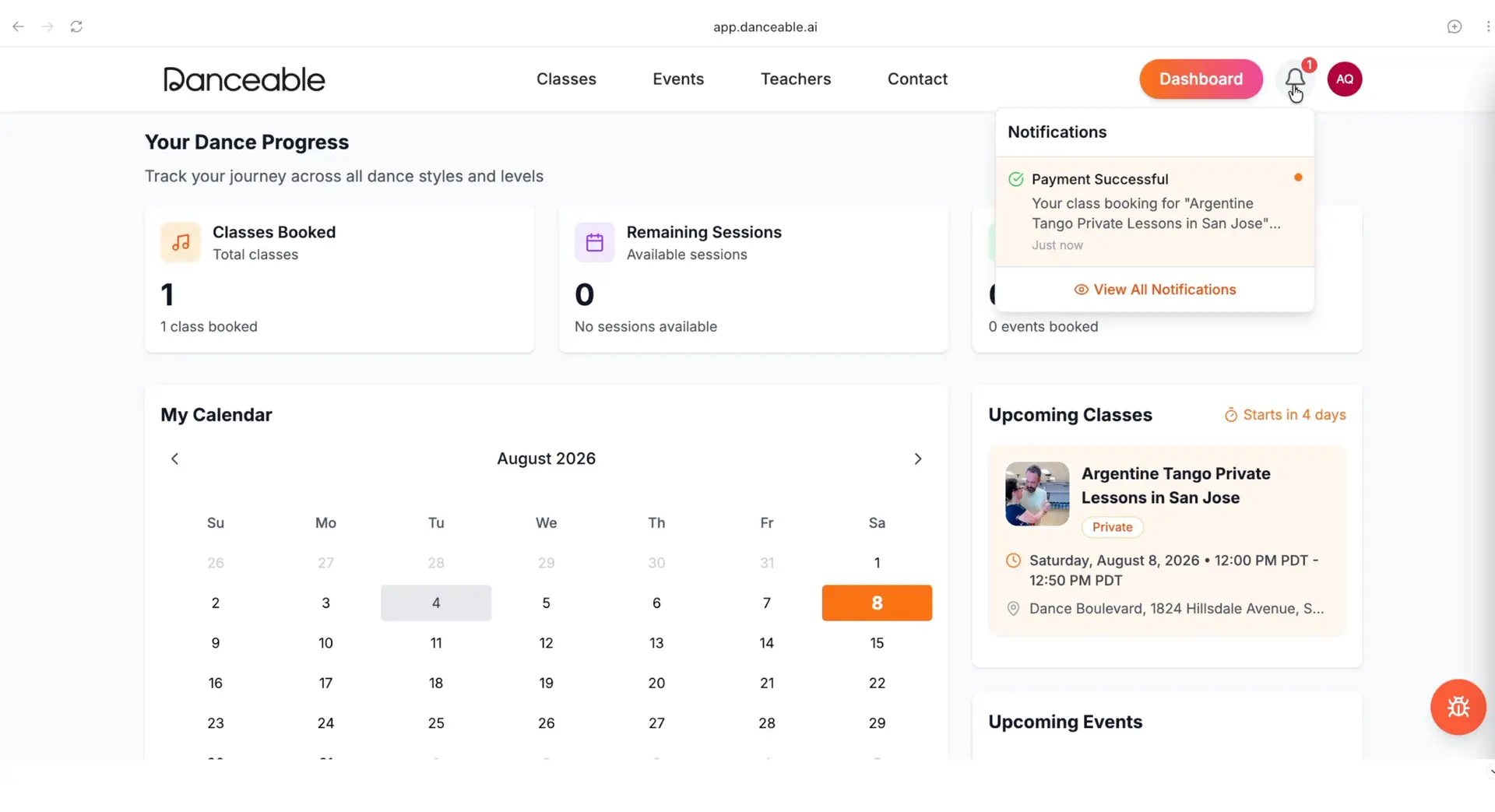
7. View the booking in your dashboard
Your new reservation will appear in your Danceable dashboard. From there, you can review the lesson’s date, time, location, and payment information whenever you need it.
You are ready to dance!
That is all it takes to book a class or private lesson on Danceable. Explore the available experiences, find the perfect lesson, and reserve your spot today.